Creating a productive home office environment is essential for anyone working remotely or running a business from home. A well-designed workspace can help improve focus, reduce distractions, and maintain a healthy work-life balance. Whether you have a dedicated room or just a small corner, these tips will help you set up an efficient and enjoyable home office.
Choosing the Right Location
Finding the perfect spot for your home office is the first step. Ideally, select a quiet area of your home where you can work without interruptions. If possible, use a separate room to clearly define your work zone away from living spaces. This separation promotes better concentration and helps switch off at the end of the day.
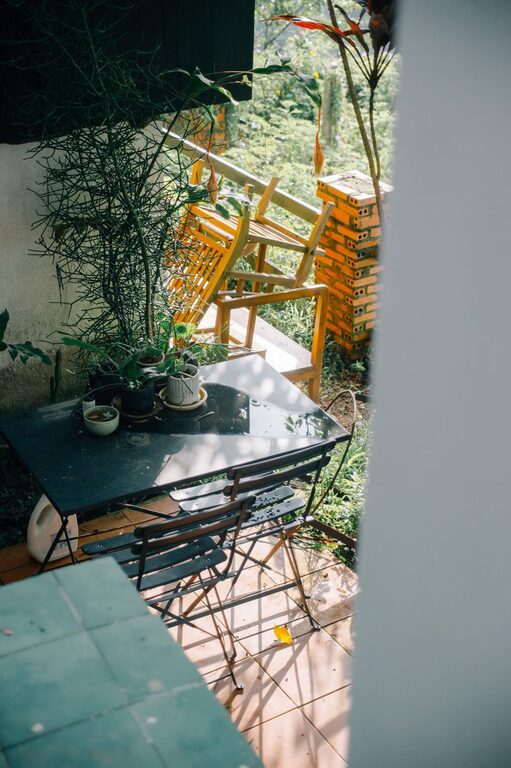
If a private room isn’t an option, choose a corner or nook with minimal foot traffic. Position your desk near a window to benefit from natural light, which can boost mood and productivity. Avoid areas that are too close to noisy appliances or high-traffic zones.
Investing in Comfortable Furniture
Comfort plays a crucial role in staying focused throughout the day. Invest in a good quality office chair that supports your back and encourages good posture. Ergonomic features such as adjustable height, lumbar support and armrests are worth considering.
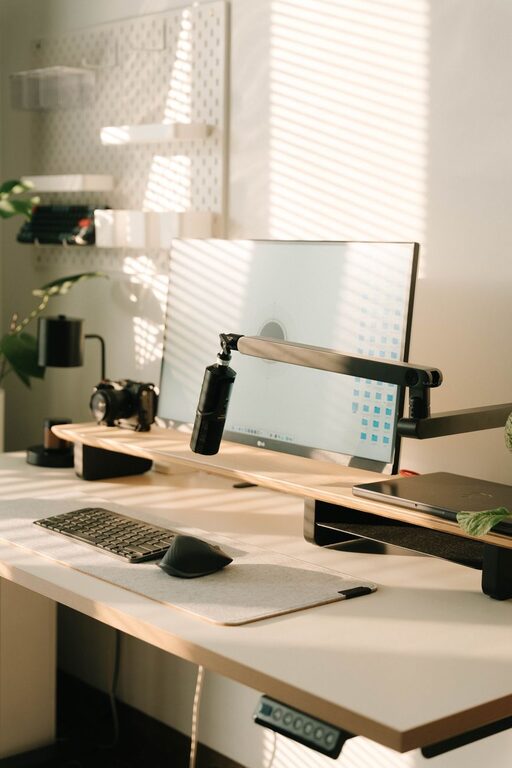
A desk that fits your space and work style is equally important. Make sure it has enough surface area to accommodate your computer, paperwork, and any tools you need. Height-adjustable desks that allow you to alternate between sitting and standing can help reduce fatigue.
Organising Your Workspace
A clutter-free desk can greatly enhance mental clarity. Use drawers, shelves, or filing cabinets to keep documents and stationery organised and out of sight. Desk organisers and cable tidy solutions prevent mess and tangling of wires.
Try to keep only essential items on your desk to avoid distractions. Label storage boxes or folders clearly to quickly find what you need. Regularly tidy your workspace at the end of each day to maintain a clean and inviting environment.
Managing Lighting and Screen Glare
Proper lighting is vital in reducing eye strain and keeping energy levels high. Aim for a combination of natural and artificial light in your workspace. Position your desk to avoid glare on your computer screen from windows or bright overhead lights.
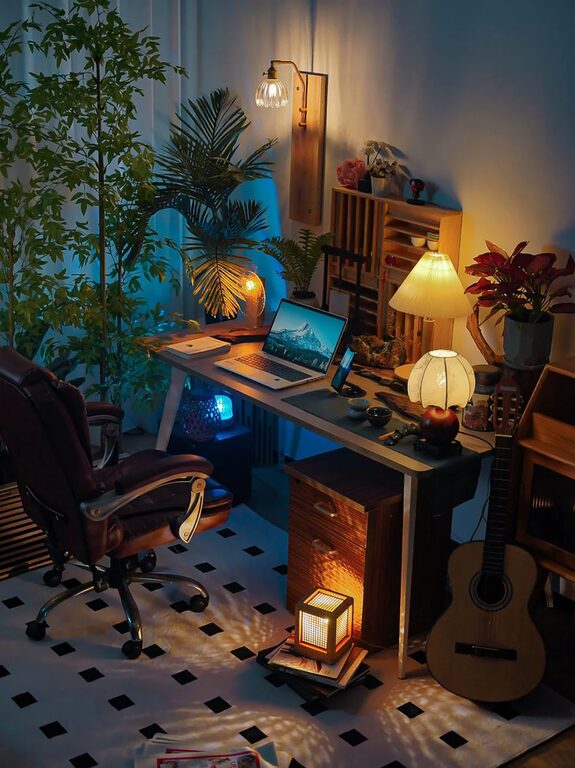
Consider using adjustable desk lamps with soft white bulbs to add focused lighting. If possible, use curtains or blinds to control sunlight during different times of day.
Minimising Distractions
Even the best home office can become unproductive if distractions creep in. Inform household members of your working hours to limit interruptions. Use noise-cancelling headphones or white noise machines if external noise is unavoidable.
Disable social media notifications and consider apps that block distracting websites during work hours. Set clear routines and break times to maintain focus and prevent burnout.
Personalising Your Space
Adding personal touches can make your home office feel inviting and motivating. Use photos, plants, or artwork that inspire you and bring a sense of calm. Indoor plants not only brighten the area but can also improve air quality and reduce stress.
Choose colours and decor that suit your taste without being overwhelming. Soft tones or uplifting colours like blues and greens often enhance concentration.
Ensuring Good Technology and Connectivity
Reliable technology is fundamental for a smooth workflow. Ensure your computer, printer, and other devices are up to date and functioning properly. A fast and stable internet connection is crucial for video calls, cloud work, and online research.
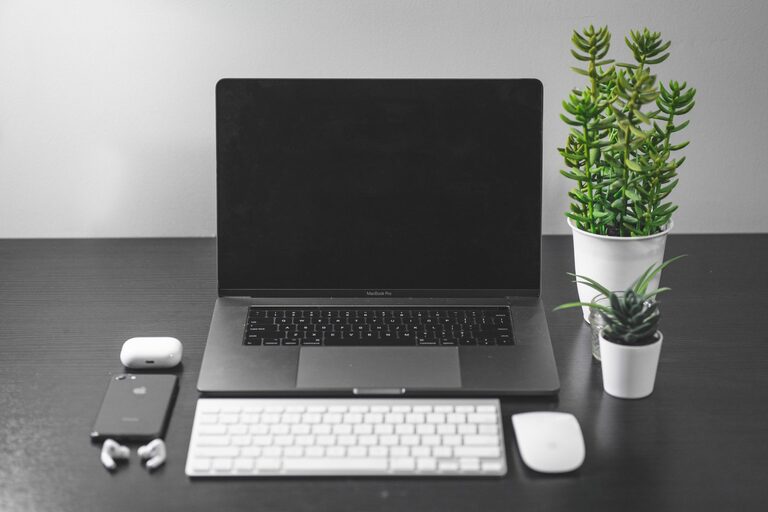
Keep essential accessories such as a mouse, keyboard, and headphones within reach. Invest in a surge protector to safeguard your equipment and consider a backup power supply if your area experiences outages.
Establishing Clear Boundaries
Working from home can blur the line between professional and personal life. Set clear working hours and communicate them to your family or housemates. Use physical cues like closing the office door or having a “do not disturb” sign during important tasks or meetings.
When your workday ends, shut down your computer and tidy your desk to symbolise the transition to personal time. This helps maintain a healthy balance and reduces the risk of overworking.
Incorporating Movement and Breaks
Sitting for long periods can negatively affect health and productivity. Incorporate short breaks to stretch, walk around or do light exercises. Use timers or apps that remind you to take breaks regularly.
If possible, create space in your home office for standing or stretching. Movement helps increase blood flow and keeps energy levels up, improving focus when you return to your desk.
—
By following these tips, you can create a home office environment that supports your productivity and well-being. A thoughtfully arranged workspace tailored to your needs will make working from home more enjoyable and efficient. Take time to experiment and adjust your setup until it feels just right.
About the Author